

Back to the future of Vibe Coding.
A compact three-key controller for AI-native builders who want meaningful shortcuts, a cleaner workflow, and a playful object that can move from desk to bag.
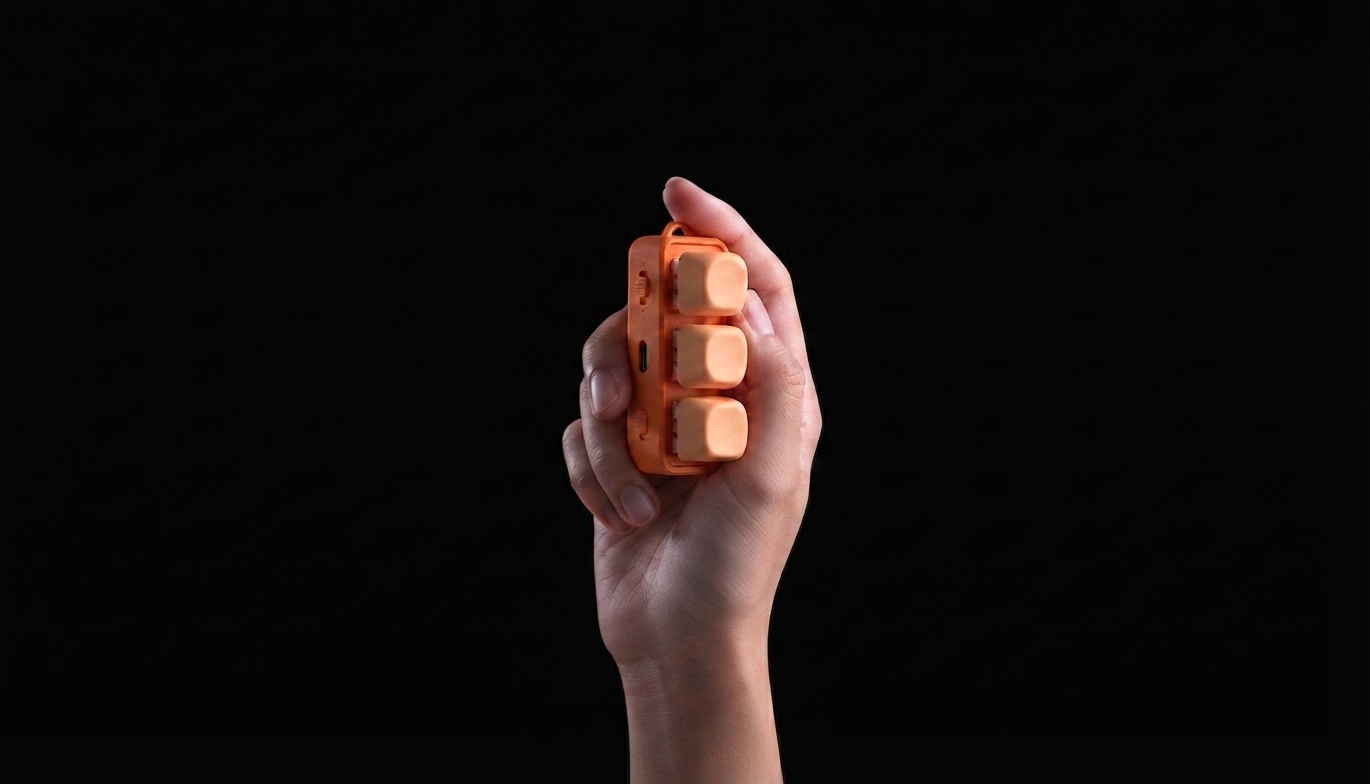
Prompt. Run. Ship. All within one thumb’s reach.
Switch to P mode when you are coding with AI. The three keys become a small command surface for the moments you repeat most, turning the invisible rhythm of Vibe Coding into something tactile.
Prompt
Paste your favorite system prompt, open an agent chat, or trigger a reusable instruction without breaking focus.
Run
Launch the command you repeat all day: run tests, start a local task, format code, or send context to your AI coding flow.
Ship
Reserve the final key for your release ritual: commit, deploy, create a changelog, or capture the result.
A softer controller for a more human workflow.
Three keys for calm, intentional Vibe Coding. Keep it on your desk when you are building, then clip it to your bag when the day moves with you.
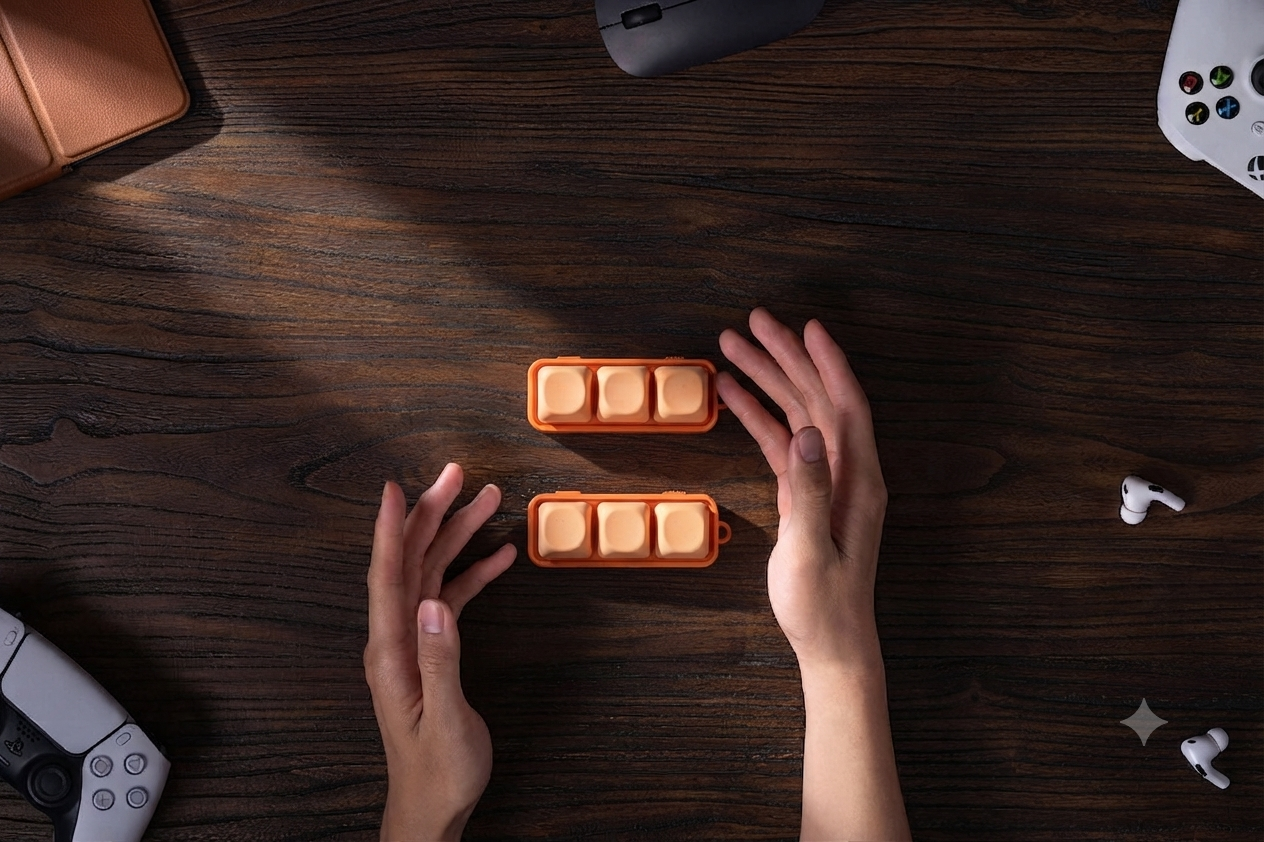
VibeKeys Three $79
Designed for Vibe Coding. Ready for the rest of your day.
Like a compact controller, VibeKeys stays simple on the surface and flexible underneath. Switch modes to move between coding, reading, mobile browsing, media, and presentation control.
AI coding
P mode maps the three keys to prompt, run, and ship rituals for agent-assisted development.
Reading
R mode supports page turns and simple reader controls for compatible e-ink devices.
Mobile control
M mode handles scrolling, media switching, and remote camera capture on phones and tablets.
Built for Vibe Coding first. Useful everywhere else.
P mode is the dedicated Vibe Coding mode. The same hardware also supports simple daily controls for reading, mobile browsing, media, presentations, and remote capture.
E-ink reading
Turn pages, lock the screen, and control supported Android-based e-readers such as iReader, BOOX, Hanvon, and other Android e-paper devices. Kobo page turning is also supported.
Kindle is not supported directly. For Kindle devices, use a separate page-turning clip.
Phones and tablets
Use it on iOS and Android for left/right page turns, vertical scrolling in short-video apps, music track control, and remote photo or video capture.
On iOS, AssistiveTouch is not required. Enable Zoom instead, so there is no floating dot on screen while reading, watching, or shooting.
Slides, media, and hands-free moments
Beyond Vibe Coding, the same compact controller can help with slide navigation, music switching, reading, short-video browsing, and remote shooting.
These secondary scenarios make the device useful beyond the desk, while P mode remains the dedicated Vibe Coding experience.
Free3 controller x 1
User manual x 1
Keep the battery healthy by charging the device about once a month if it is not used for a long time. Measurements are taken by hand and may vary slightly from the final product.